Waddle.
An Android app that downloads videos and audio from a shared or pasted link, powered by yt-dlp.
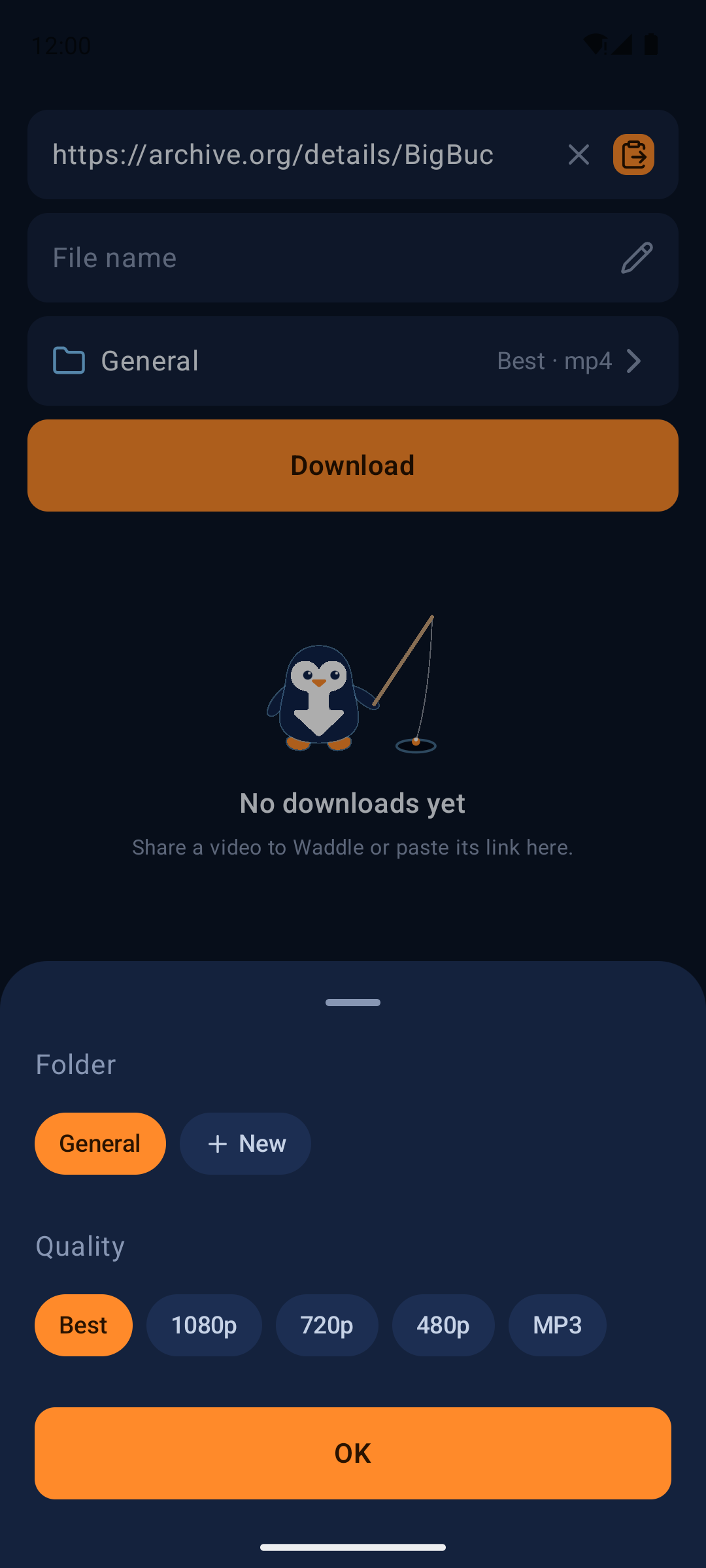
Share a link. Pick. Done.
Waddle can download from the sites yt-dlp supports. Site support depends on yt-dlp and changes when sites change; it is not guaranteed for any particular site.
Share to download
Pick "Download with Waddle" in any app's share sheet. A small panel opens over the app you shared from; you can also paste a link inside Waddle.
Choices before each download
File name (defaults to the video title), folder, and quality: Best, 1080p, 720p, 480p (mp4 video), or MP3 audio.
Clips
Keep only a time range of a single video, set with a slider or typed as m:ss. The cut is exact to the second; the clip is re-encoded to get there.
Playlists and carousels
Links with several videos list every entry with its thumbnail, so you can pick which ones to download. Private or deleted entries start unticked.
Silent share
Optional. Sharing a link downloads it straight away with its title, into the last folder and quality you used.
Background downloads
Progress notification with a cancel button. Downloads run one at a time from a queue; failed or cancelled ones can be retried.
Gallery
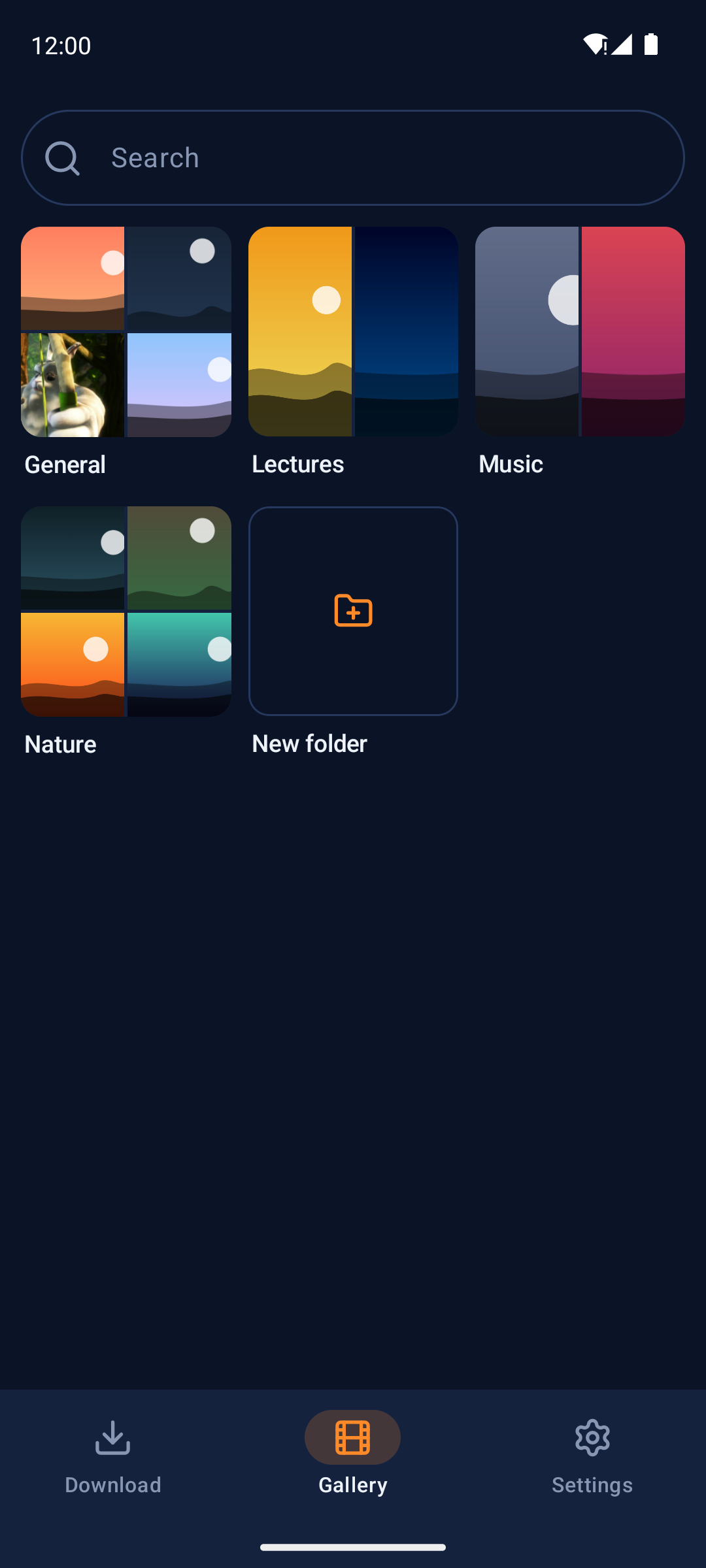
Folders shown as collages of their first files, a justified grid of thumbnails, search by file name or embedded title, and long-press menus to share, rename, move or delete. Select several files at once.
Sign-in
For content that needs an account: Instagram, X and TikTok in an in-app browser page, YouTube through an imported cookies.txt file.
Your download location
Move it to any folder on internal storage; existing files move with it. Settings lists each folder's size.
Engine updates
The bundled yt-dlp can be updated from Settings, and by default updates itself once a day (can be turned off).
No accounts, no tracking
Waddle has no accounts, servers, analytics, ads or crash reporting of its own.
See it
Dark-theme screens straight from the project.

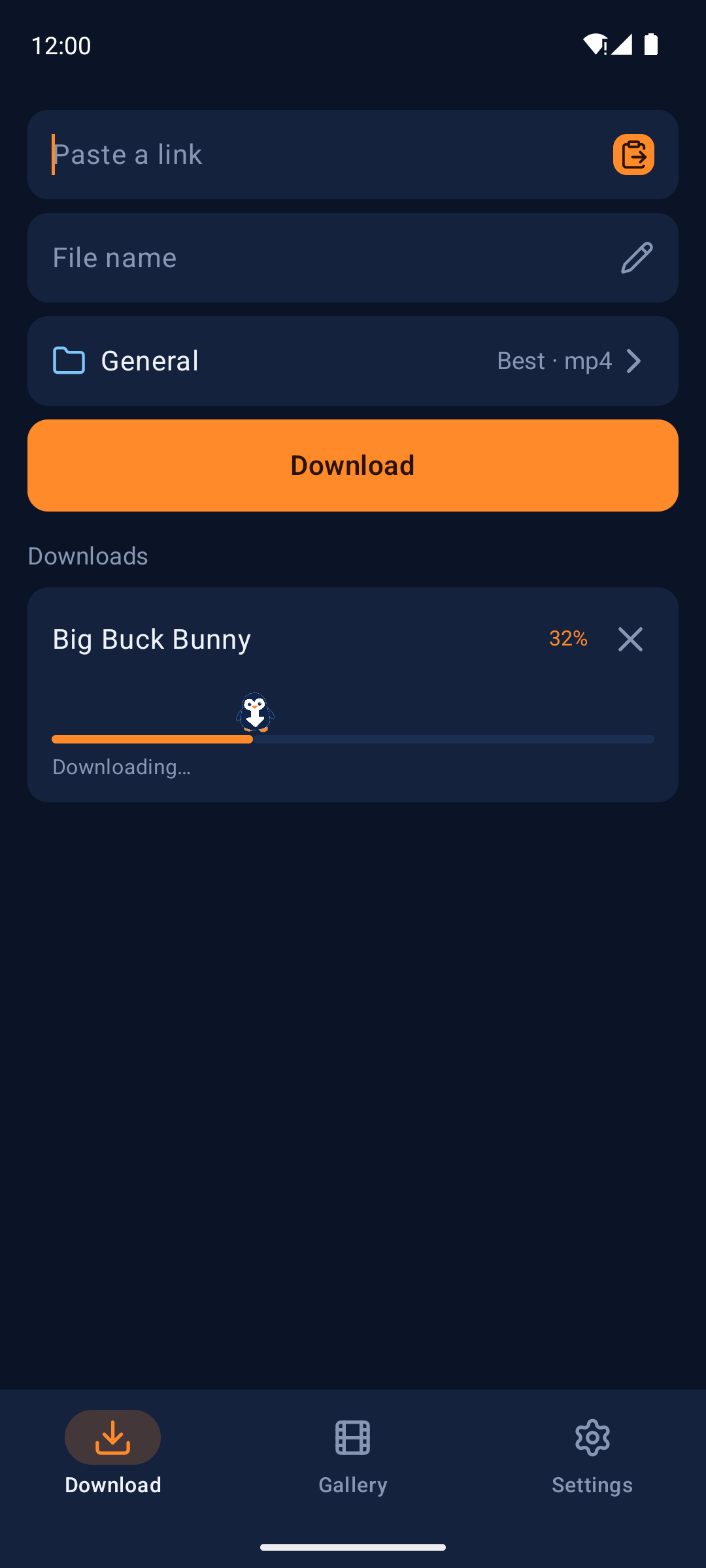
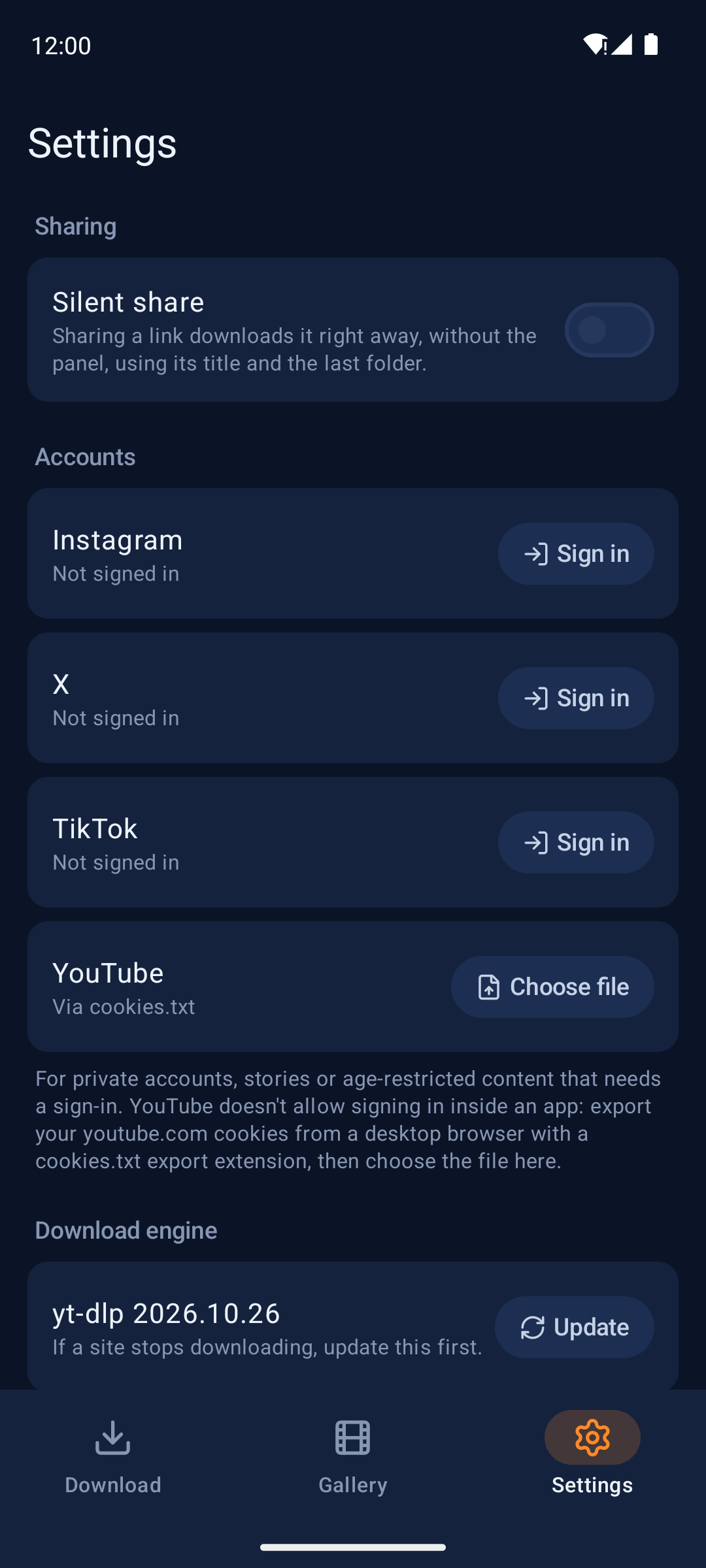
Screenshots were taken on an emulator with generated demo pictures. The sample video is Big Buck Bunny (© Blender Foundation, CC BY 3.0).
Install
Waddle is not on Google Play. Install the APK from GitHub.
- Download the APKGet Waddle-<version>.apk from the latest release. Each release also has a .sha256 file to check the download.
- Open it on your phoneAndroid asks you to allow installing apps from the browser or file manager you opened it with; allow it for that app.
- Follow onboardingGrant file access (required). Notifications and the battery exemption are optional but recommended. Tap Start.
- Share a videoIn a video app or browser, tap Share and choose "Download with Waddle", set name, folder and quality, then tap Download. It continues in the background.
Updates are installed the same way, over the existing app.
Requirements
- Android 11 (API 30) or newer.
- A 64-bit ARM device (arm64-v8a). Release APKs contain only arm64-v8a native code. Almost every phone sold since 2017 is arm64.
- About 80 MB for the APK, plus room for the engine it unpacks on first start and for your downloads.
- All files access (required): Waddle saves into a plain Waddle folder at the top of internal storage that any file manager and media app can see.
- Notifications (optional): progress and finished/failed notices.
- Ignore battery optimizations (optional): so the system does not stop long downloads.
Known limits: English only, dark theme only, internal storage only, one download at a time. Photos, channel and profile links are not downloaded.
Download only content you have the right to download. Respect copyright and each site's terms of service. Waddle is not affiliated with, endorsed by, or connected to any website it can download from.